PROJECT DETAIL
MorseVision
Eye Blink Based Morse Code Communication System
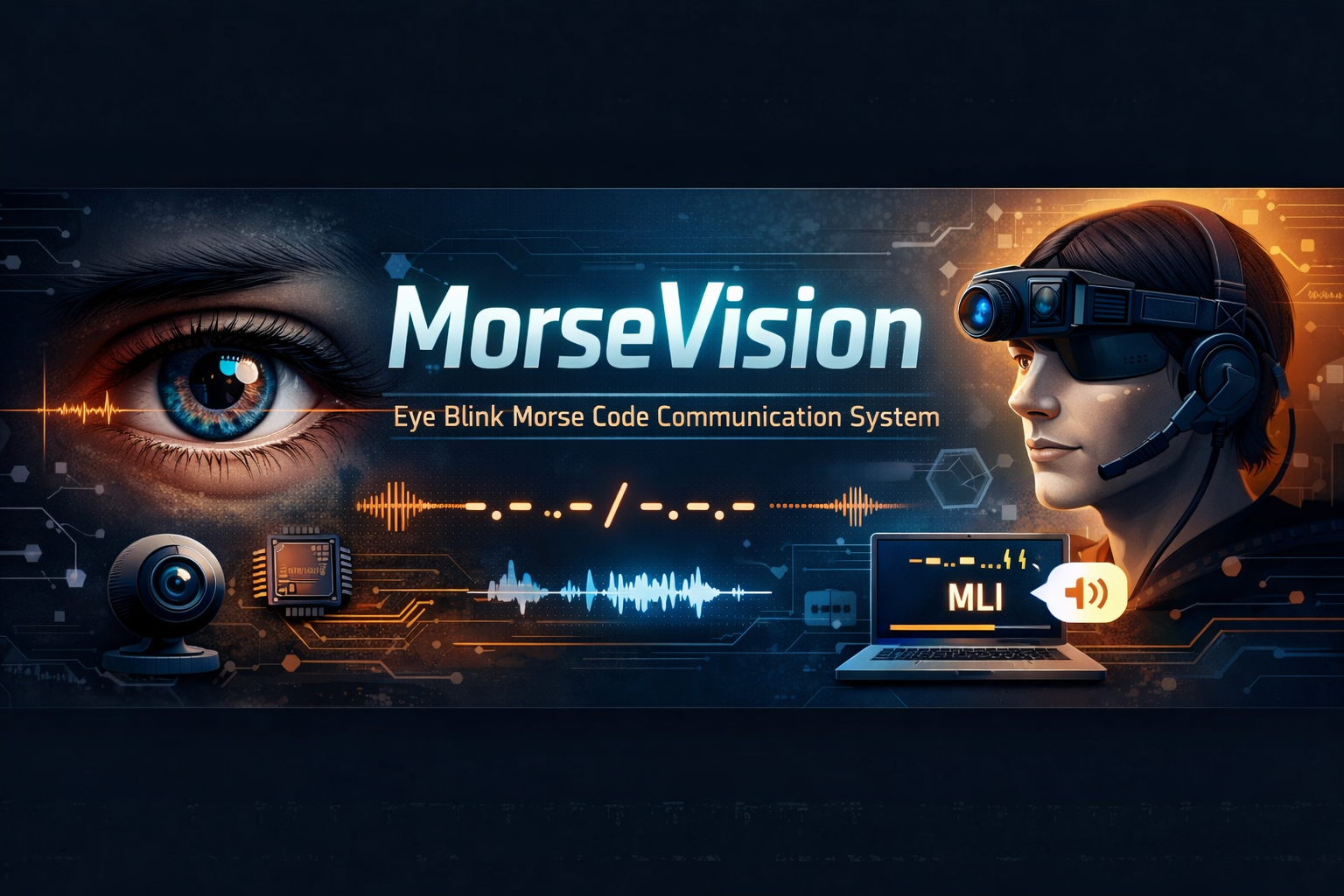
MorseVision
Eye Blink Based Morse Code Communication System
Project Overview

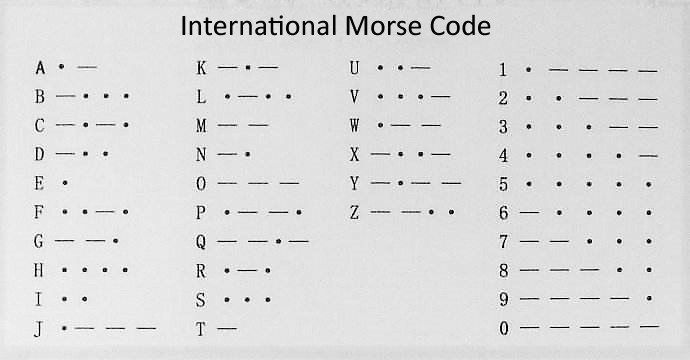

MorseVison is a real-time assistive communication system that allows users to generate text using eye blinks, which are interpreted as Morse code signals.
The system:
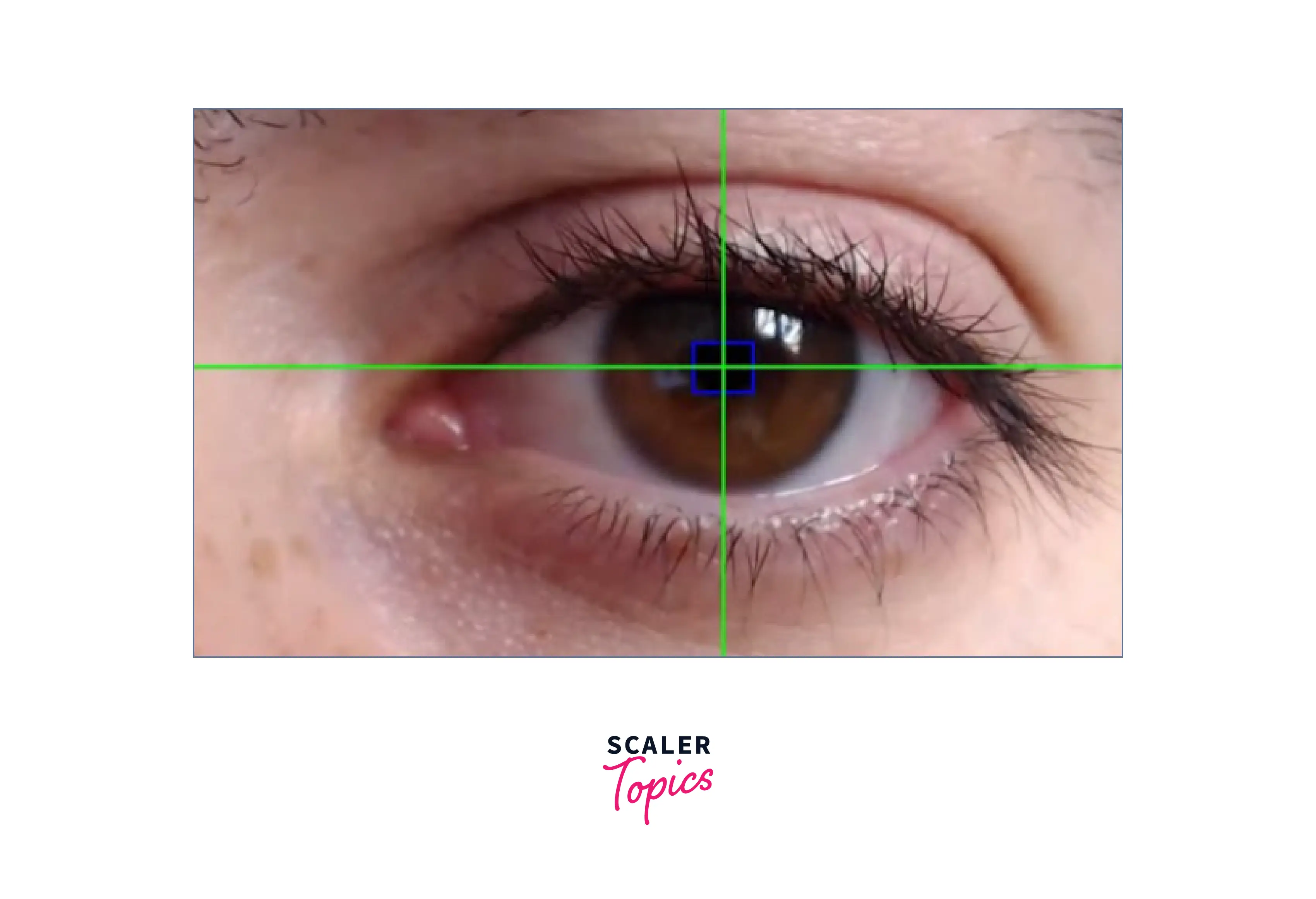
- Detects eye blinks using Computer Vision
- Converts blink duration into Morse code (dot/dash)
- Translates Morse into readable text
- Speaks the output using Text-to-Speech
It is designed primarily for:
- Physically challenged individuals
- Paralyzed patients
- ALS patients
- Hands-free communication use cases
Problem Statement
Many individuals with motor disabilities cannot communicate verbally or through typing. Traditional assistive technologies are expensive and hardware-dependent.
Problem:
How can we create a low-cost software-based communication system using just a webcam?
Solution:
Use eye blink detection + Morse code interpretation to create a communication bridge.
Technologies Used
| Technology | Purpose |
|---|---|
| Python | Core programming language |
| OpenCV | Real-time video capture & processing |
| Haar Cascade / Eye Detection | Eye localization |
| Custom Blink Detector | Blink duration classification |
| Morse Interpreter | Dot/dash decoding |
| pyttsx3 / TTS Engine | Voice output |
Project Architecture
Camera Input
     ↓
Eye Detection (OpenCV)
     ↓
Blink Detection Logic
     ↓
Blink Duration Analysis
     ↓
Morse Code Generator
     ↓
Text Interpreter
     ↓
Text-to-Speech Output
Project Folder Structure
MorseVison/
│
├── main.py
├── requirements.txt
│
├── src/
│   ├── eye_detector.py
│   ├── blink_detector.py
│   ├── morse_interpreter.py
│   ├── tts.py
│
└── assets/
1. Eye Detector (eye_detector.py)
Purpose: Detect left and right eye from video frame.
Process:
- Capture frame
- Convert to grayscale
- Use Haar Cascade classifier
- Return detected eye coordinates
Output:
frame, left_eye, right_eye
2. Blink Detector (blink_detector.py)
Purpose: Determine whether eye is open or closed.
Logic:
-
Measure eye aspect ratio (EAR) or pixel threshold
-
If eye closed for:
- Short duration → DOT (.)
- Long duration → DASH (-)
Key Variables:
blink_start_timeblink_durationDOT_THRESHOLDDASH_THRESHOLD
3. Morse Interpreter (morse_interpreter.py)
Purpose: Convert dot/dash sequence into alphabet.
Example:
.-   → A
-... → B
Internal Dictionary:
MORSE_CODE_DICT = {
    ".-": "A",
    "-...": "B",
}
4. Text-to-Speech (tts.py)
Purpose: Convert decoded text to voice.
Uses:
pyttsx3.init()
engine.say(text)
engine.runAndWait()
5. Main Controller (main.py)
Controls:
- Camera loop
- Module coordination
- Frame processing
- Exit handling
How It Works (Step-by-Step)
-
Webcam starts capturing
-
Eyes are detected in frame
-
Blink duration is calculated
-
Blink classified as:
- Dot
- Dash
-
Morse sequence stored
-
When pause detected → decode character
-
Text displayed
-
TTS speaks output
System Requirements
- Python 3.8+
- Webcam
- Windows/Linux/macOS
- OpenCV installed
Installation Guide
- Clone the Project
git clone https://github.com/yourusername/MorseVison.git
cd MorseVison
-
Create Virtual Environment
python -m venv venvActivate it:
-
Linux / macOS
source venv/bin/activate -
Windows
venv\Scripts\activate
-
-
Run it using python
python -m src.camera
Performance & Limitations
Works well when:
- Proper lighting
- Face clearly visible
- Camera stable
Limitations:
- Sensitive to lighting
- No ML-based blink classification
- No GUI yet
- No calibration mode
Future Possible Improvements
Upcoming features
1. AI-Based Blink Classification
Instead of threshold-based detection:
- Train CNN model
- Classify open/closed eyes
- Improve accuracy
2. Real-Time Blink Timing Visualization
- Graph blink duration
- Show dot/dash visually
- Add debugging panel
3. Calibration Mode
Allow user to:
- Set custom blink thresholds
- Auto-detect natural blink timing
4. Word Prediction System
Add:
- Basic NLP word suggestions
- Autocomplete
- Faster sentence building
5. Android Version
- Convert to mobile app
- Use CameraX
- On-device ML
6. Emergency Mode
- Triple long blink → Send SOS
- Connect to API for SMS/Email alert
7. Cloud Integration
- Store communication logs
- Remote monitoring dashboard
8. GUI Interface
- PyQt or Tkinter interface
- Sentence builder UI
- History panel
9. Noise Filtering
- Ignore involuntary blinks
- Use time-based buffer logic